
Everything you need to know about lighting items in Pocket Camp. Lamps are the most basic and fundamental lighting item, but they are far from the only ones: some rugs also have lighting elements or provide lighting effects, and accessorized decor items such as tables and shelves sometimes come pre-lit, to say nothing of glowing floral decor (a personal favorite).
The Basics
There are two styles of lighting items, regardless of the specific item type (lamp, rug, shelf, etc.): “always on” and “on after dark.” As the name implies, an “always on” item will always be lit, irrespective of the time of day. An “on after dark” item, also as the name implies, will only be lit when it is not daylight; in other words, it will be lit during sunset and nighttime.
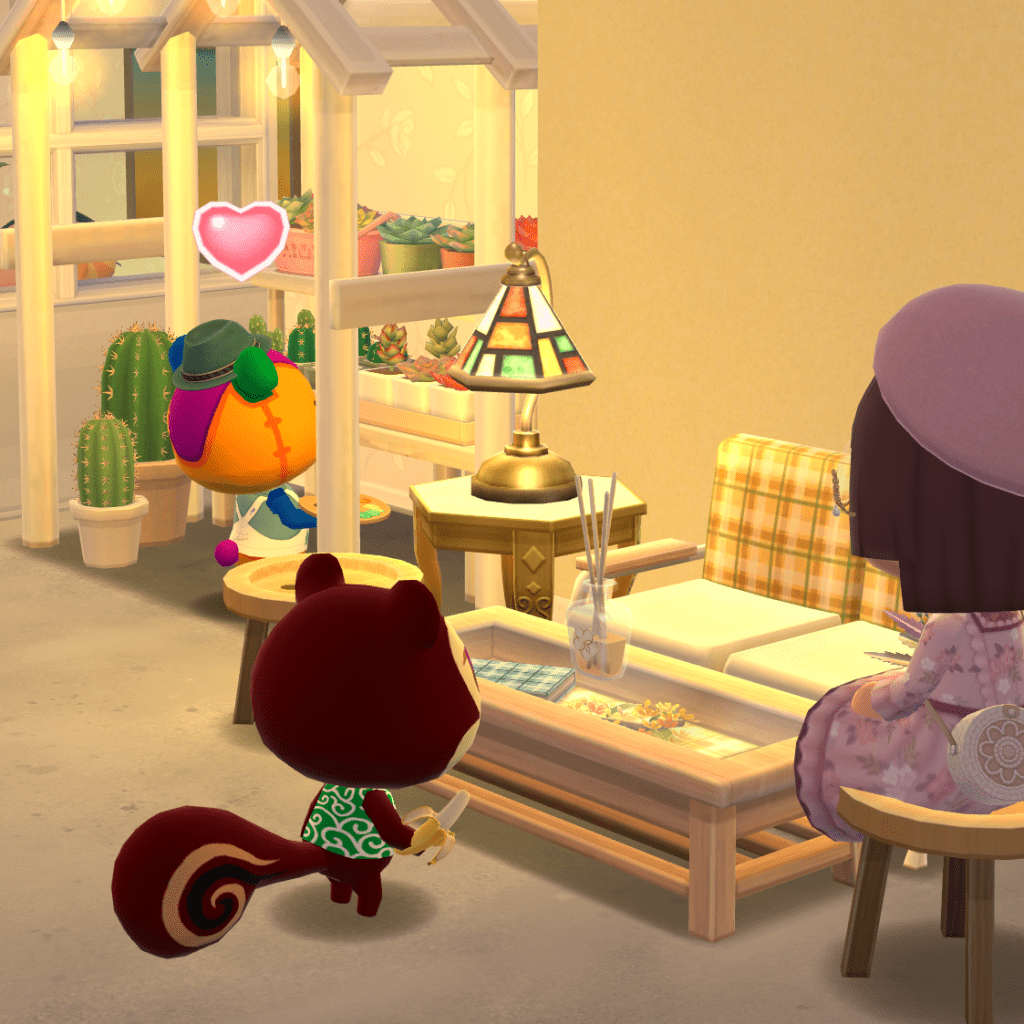
In the following image, the stained glass table lamp is an example of an “always on” item, while the succulent pergola is an example of an “on after dark” item: the hanging lightbulbs are only lit when it is not daytime.
Special case: interactive lamps
An “always on” lamp will always be lit, with one exception: interactive lamps. These are lamps that have the blue animal interaction tile show up in design mode. When the interaction tile is present, it means that your animal friends can switch the lamp on and off. See the following image: The top half shows the design view and the bottom half shows an animal interacting with the lamp.
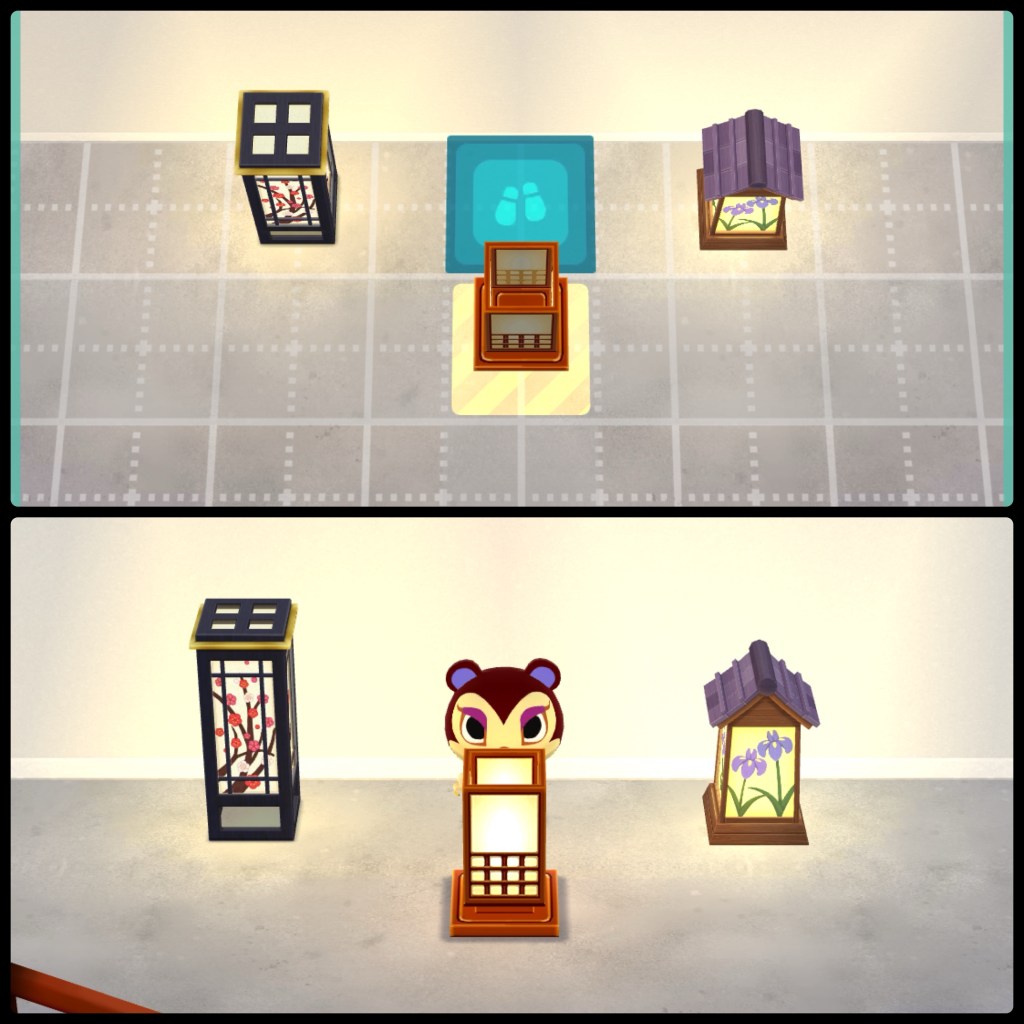
If you are super picky about your lighting, you may find it annoying to have your animal friends switching the lamps on and off. Fortunately, if you block the interaction tile (for example, by facing it up against a wall or another piece of furniture), the lamp will function the same as a non-interactive “always on” lamp.
More lamp examples
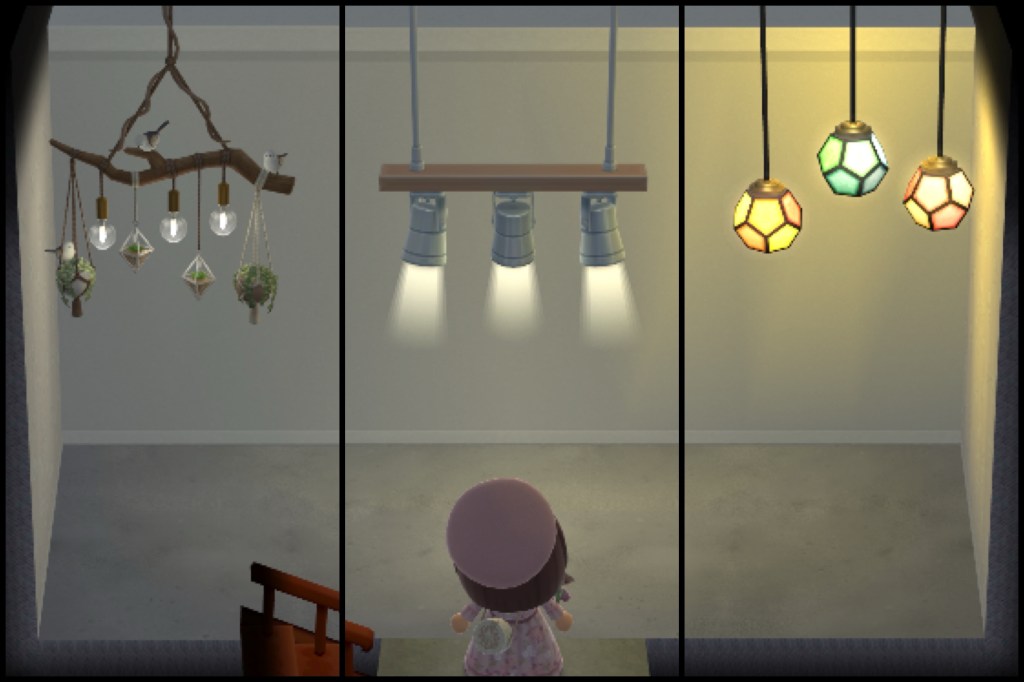
Hanging lamps are a subtype of the “always on” lamp. They are a bit difficult to get a hold of but super handy, because you can walk underneath them. Here is an image showing three examples with different levels of brightness, going from dimmest to brightest from left to right.
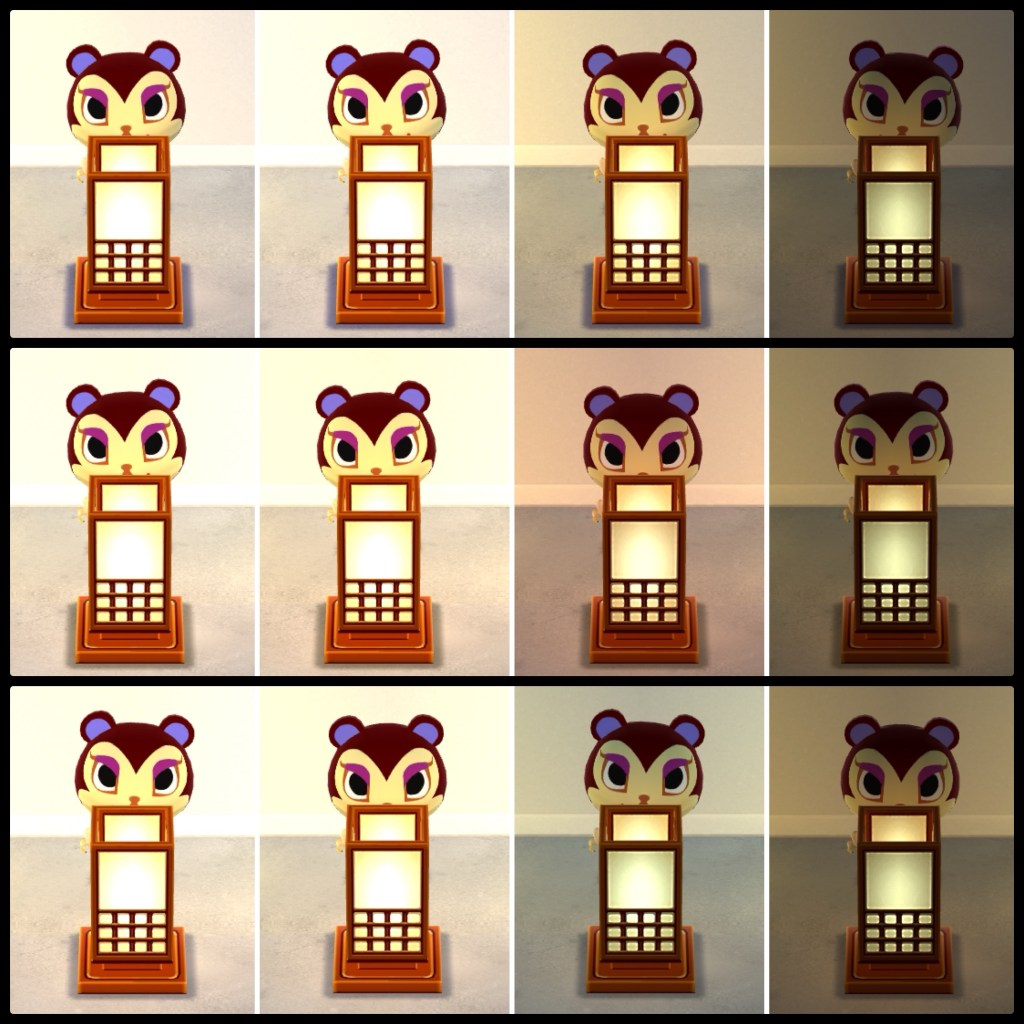
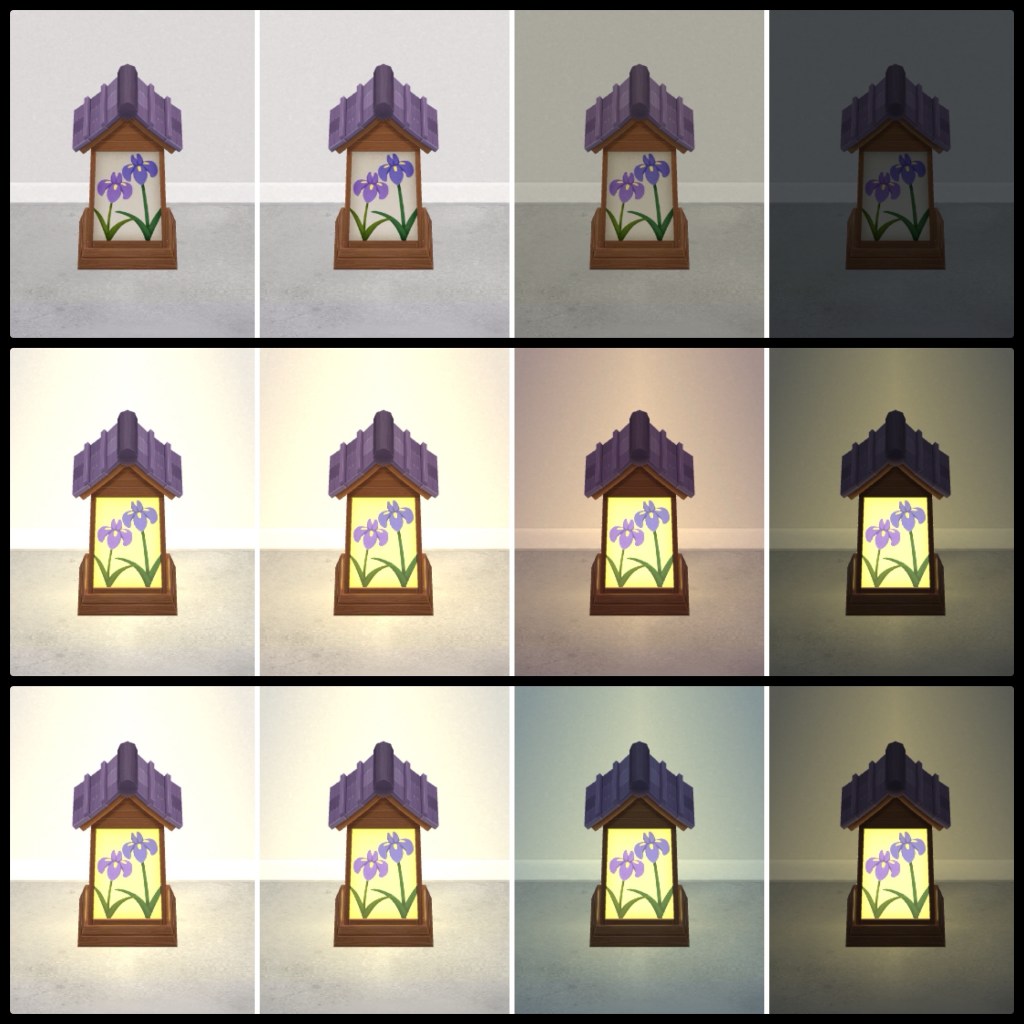
Here is an image of an “always on” lamp in each of the lighting conditions I explained in my post about interior lighting in Pocket Camp cabins. From left to right, we have fill light only, fill and natural light, natural and ambient light, and ambient light only. The top row is daytime, middle row sunset, and bottom row nighttime.
Here is an image of an “on after dark” lamp in the same configuration of lighting conditions.
Light effect rugs
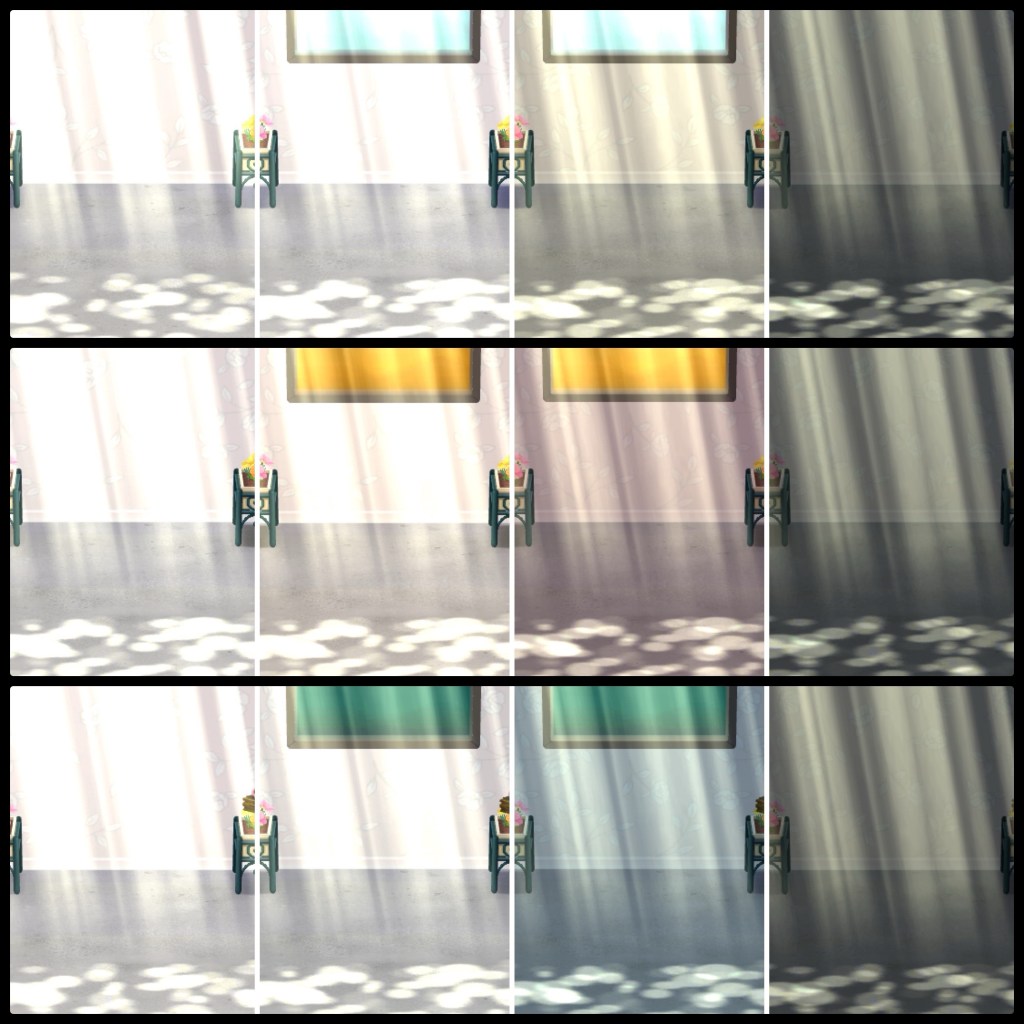
Similar to hanging lamps, light effect rugs are “always on” lighting items that have the advantage of not blocking off the floor space in your room while still providing light. Because rugs are positioned on a different layer than the rest of your items, you can place items so that they appear to be under or within the lighting effect—unlike hanging lamps, which still take up space in design view and can’t be layered with other items. Here is an image of a sunbeam light effect rug in the same configuration of lighting conditions used previously.
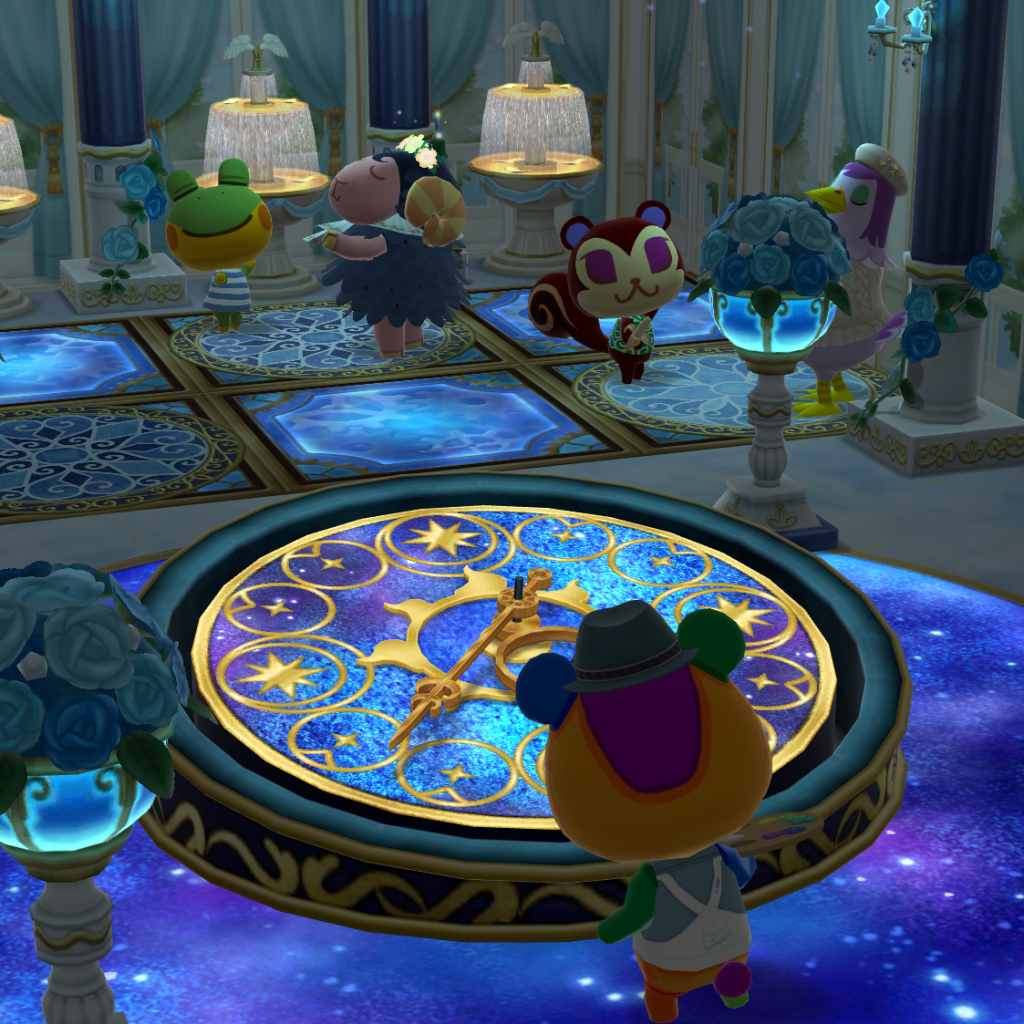
Some rugs also have lighting, even though they are not a lighting effect per se. An example is the cogwheel and glittering cosmos rugs in the following image.
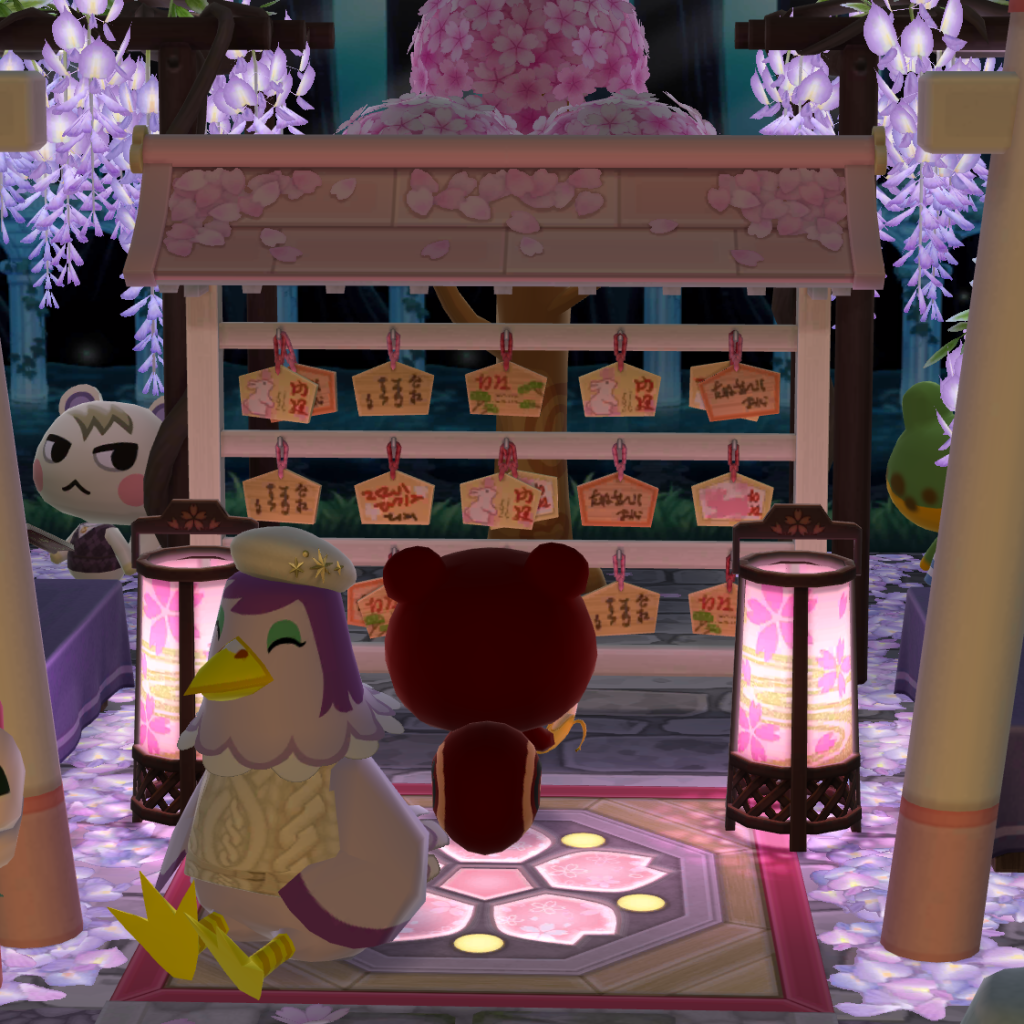
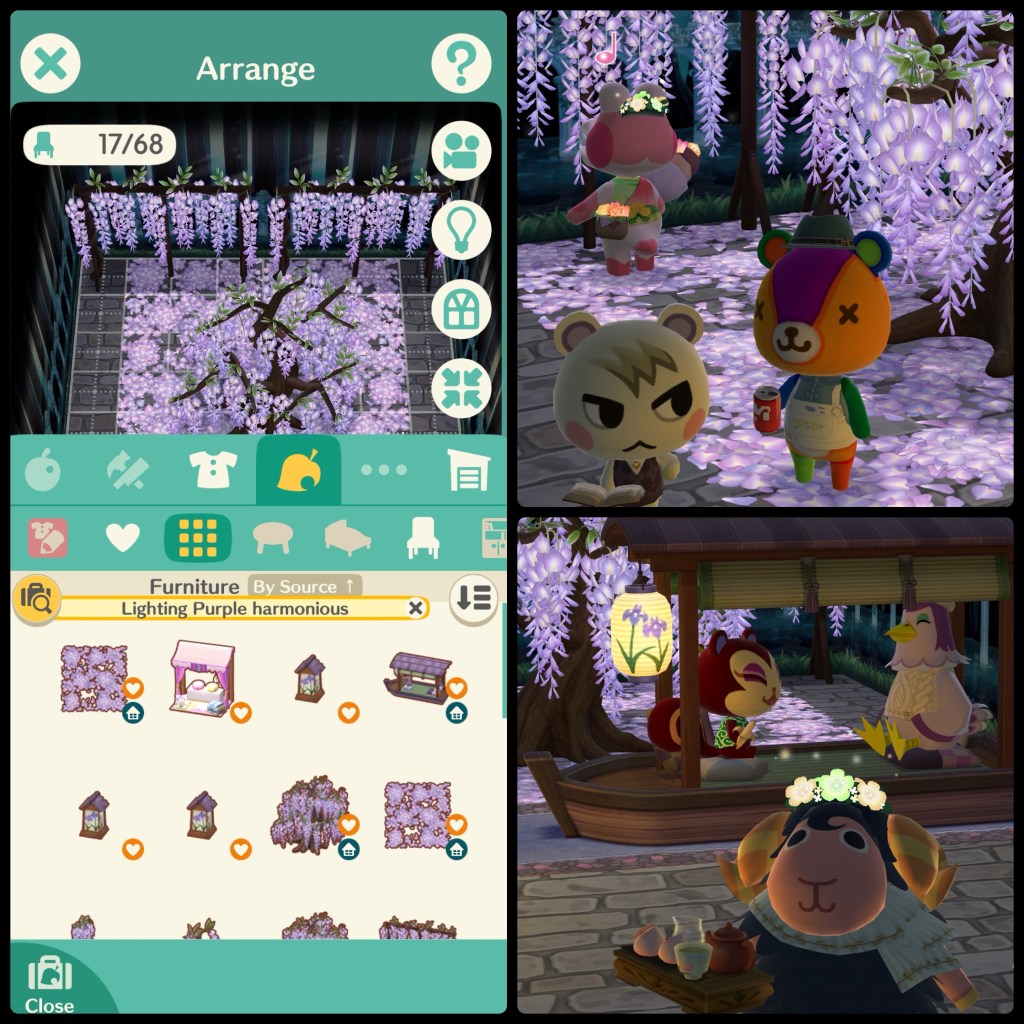
Another example of a rug with luminosity is the wisteria park rug, which adds the effect of fallen wisteria petals. The florals in this set are all lighting items, so the petals glow, as you can see in the following image.
Other lighting items
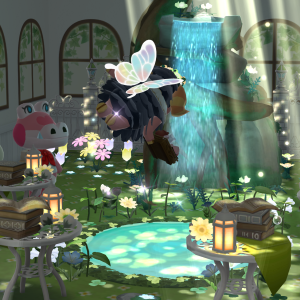
“Other lighting items” is my catch-all term for items that are not lamps or rugs, but have luminosity. Examples include the wisteria gazebos in the previous pic, and every item in the blue ballroom scene before that. The succulent pergola from the beginning of this post also belongs to this category.
Pro Tip: search “lighting”
If you want to find lighting items quickly, all you need to do is search your inventory with the keyword “lighting”—obviously it’s not necessary when browsing the lamp section of the inventory, but if you want to find light effect rugs, rugs with luminosity, or other lighting items, this is your best bet for finding what you want. You can even combine the keyword “lighting” with others—for example you can search “sakura lighting” to find all sakura-themed lighting items. Like all keyword searches, it can also be combined with color and theme filters. The following image shows the inventory search on the left side and some glamour shots of the wisteria on the right.
Conclusion
If you mostly play in the campsite or with the fill light setting turned on, lighting items aren’t something you need to pay a huge amount of attention to. However, I hope that this and my previous post have illuminated (hehe) the possibilities offered by playing around with lighting in Pocket Camp. With enough practice, you’ll find that you can apply the same concepts to your real-world interior decor!
More Snapshots


Leave a Reply