
For those that don’t know, Procreate Pocket is the app I use for painting and drawing on my iPhone. Several years ago, I switched to doing digital art on my phone due to its smaller size being more manageable for my chronic pain than the iPad mini I had been using (yes, not even a full iPad, and it was too much for my poor weak hands).
Anyway, Pocket just got a major overhaul that has sparked a lot of opinions, which I’m not going to get into with this post. In this post, we’re looking just at the new brushes introduced in the update.
Overview
There are 18 new brush sets designed by artist Kyle T. Webster in cooperation with the Procreate team. Here’s my short and sweet summary:
Pro
- Great for artists wanting to mimic natural media
- Very detailed, high-res textures
- Default brush settings use more advanced mechanics = more realistic blending and behavior
- Individual brush pressure curves
- Fun to play with
Con
- Random “aesthetic” brush names make it hard to tell what the key feature or characteristic of each brush is
- Random “aesthetic” brush names make it hard to remember which brush you prefer if it drops off of the recents list
- Default brush settings use more advanced mechanics = lag due to more complex rendering calculations
- Heavy emphasis on brushes mimicking natural media—not a lot here for more digital styles, and what there is feels more like a token head nod than an earnest attempt to provide useful brushes
- Only a small handful of brushes add any significant value to the app, most are more of a novelty offering
Old brushes are still available!
If you’re not about these new brushes, there’s good news for you: all of the old brushes are still in the app. You’ll find them in the Classic Library—tap the three dots at the top of the brush sidebar to navigate between libraries.
Brush Swatches
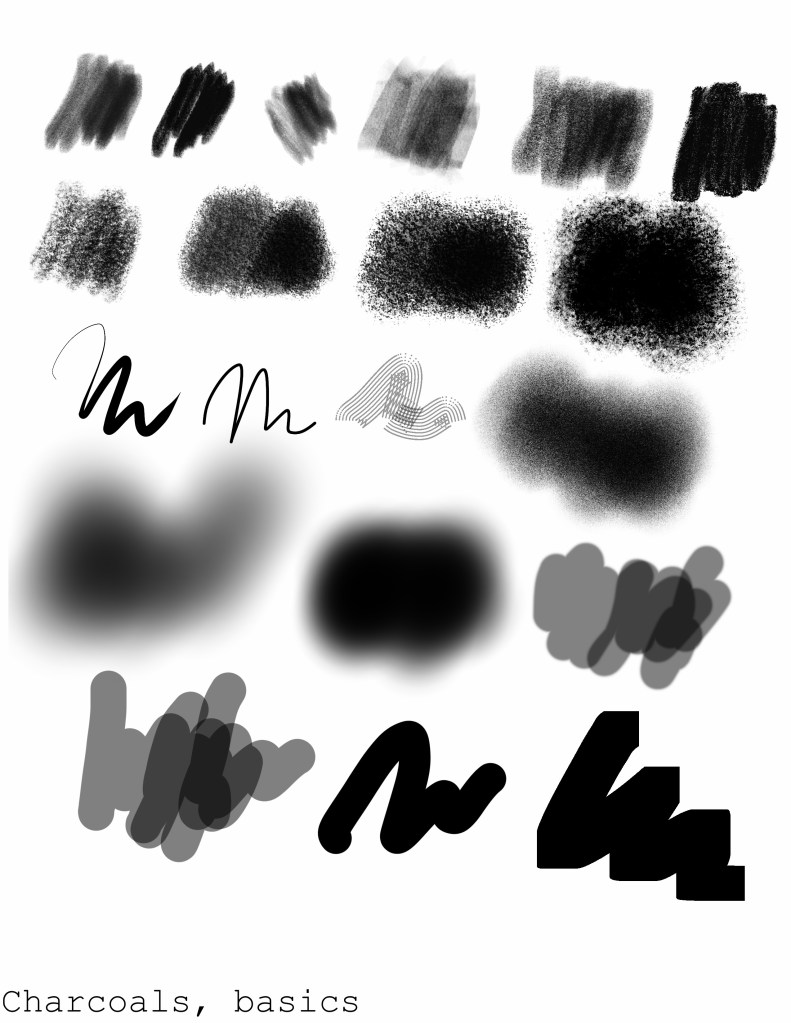
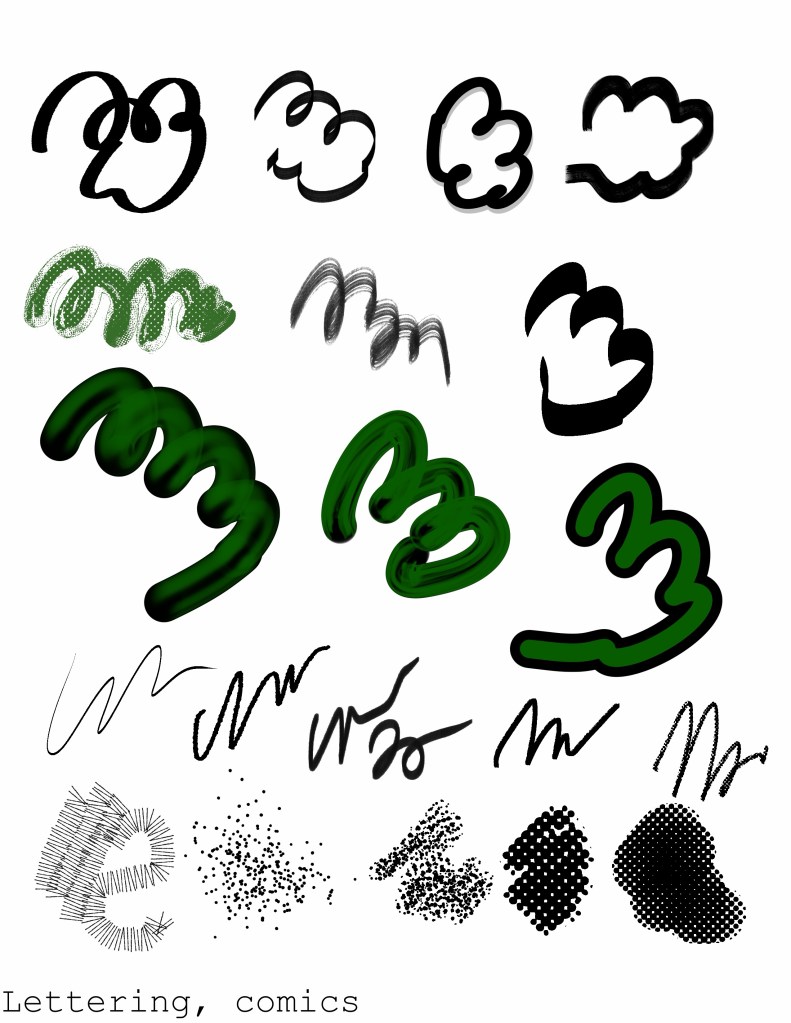
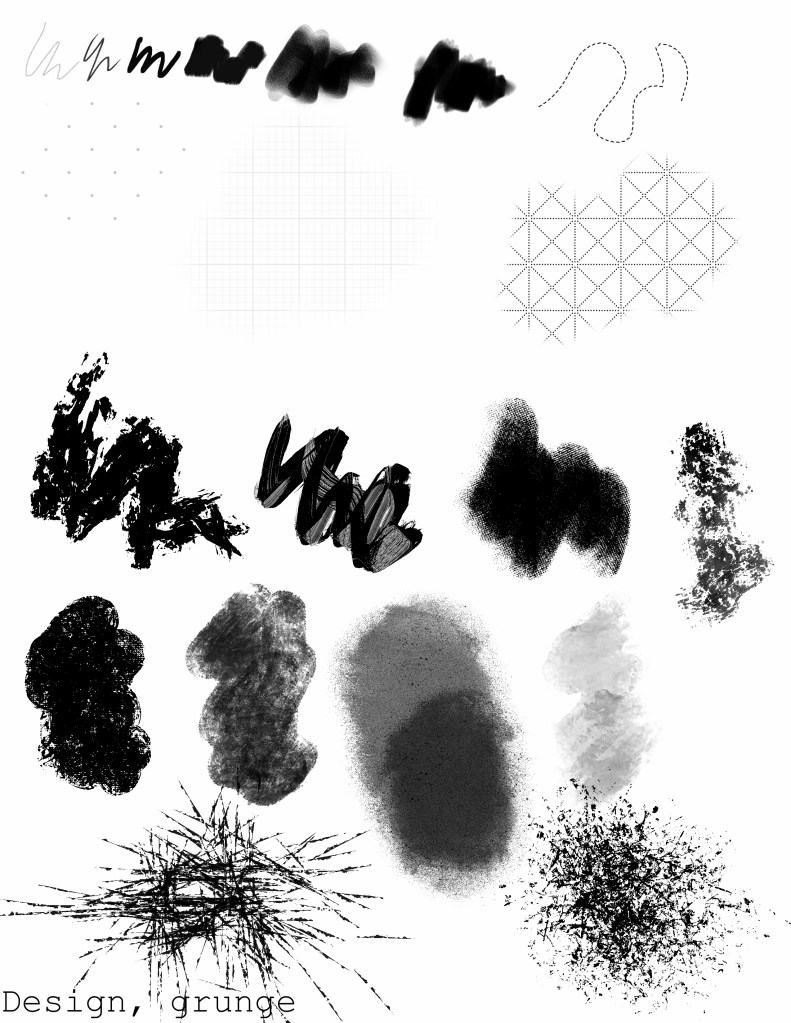
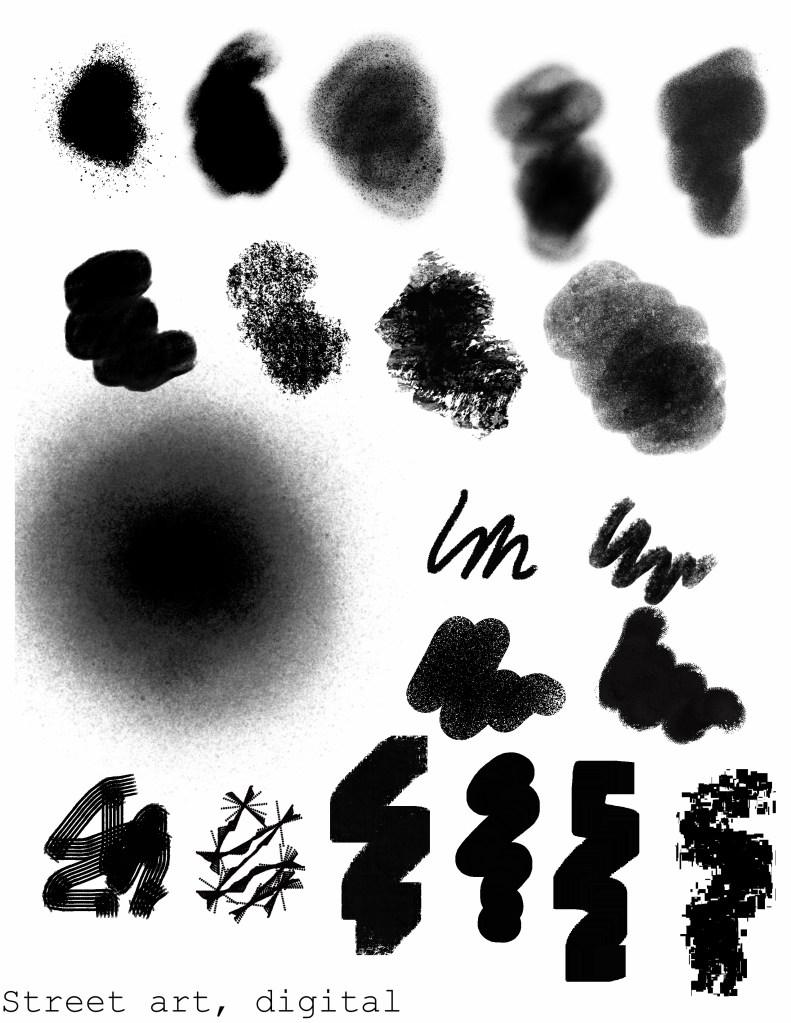
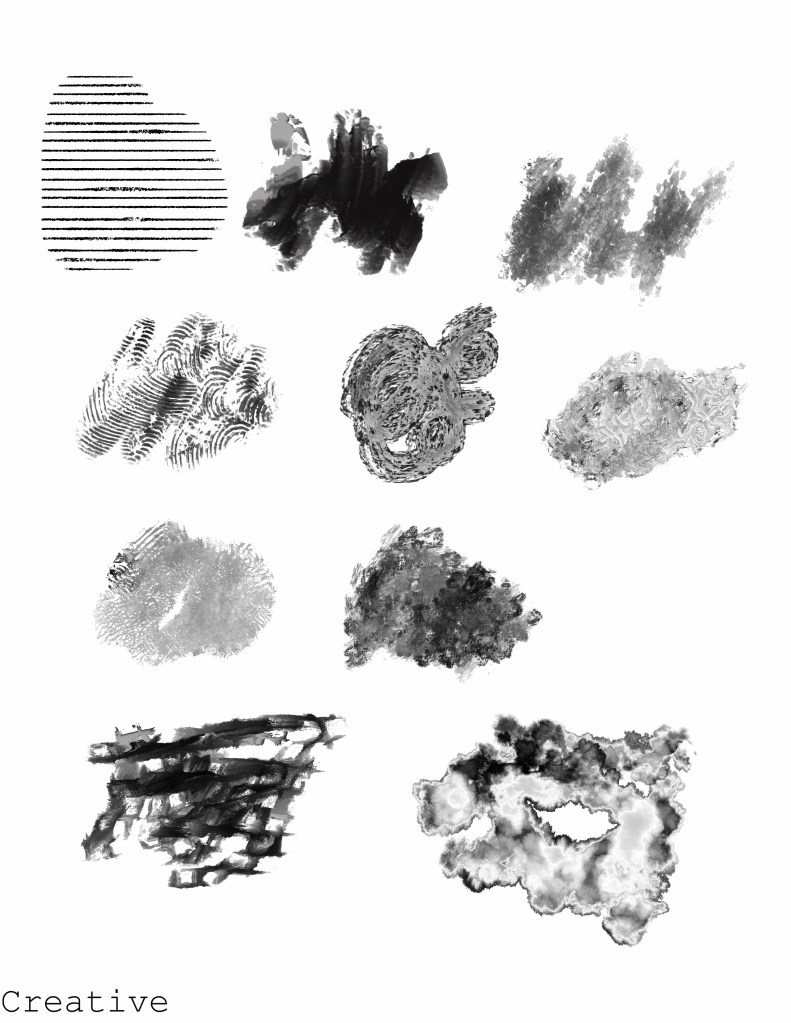
Here are some sample swatches of all of the new brushes for easy reference. They aren’t labeled with their names, but there are ten brushes per set and the swatches go left to right to match the set list going top to bottom.
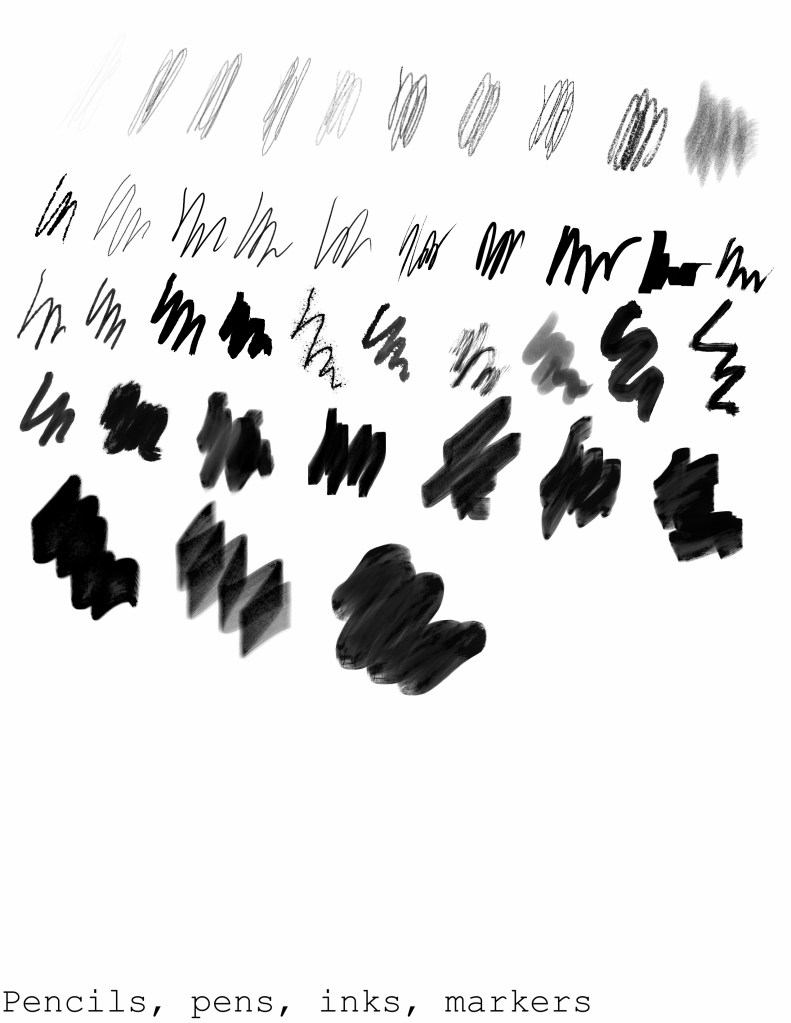
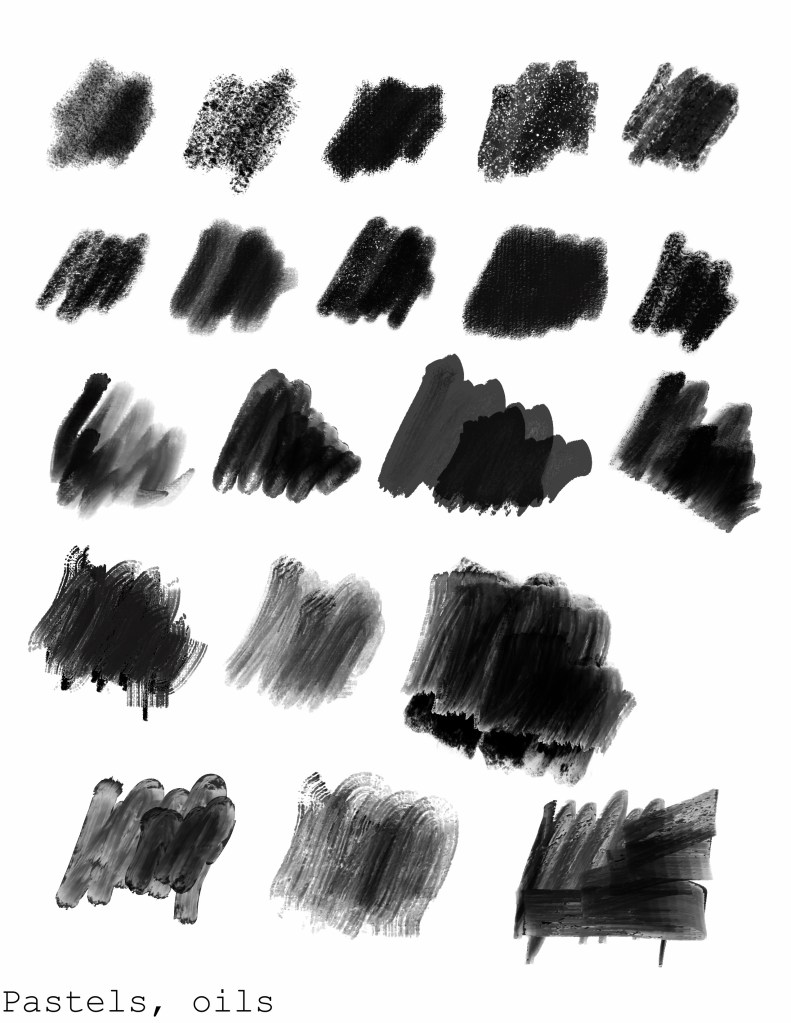
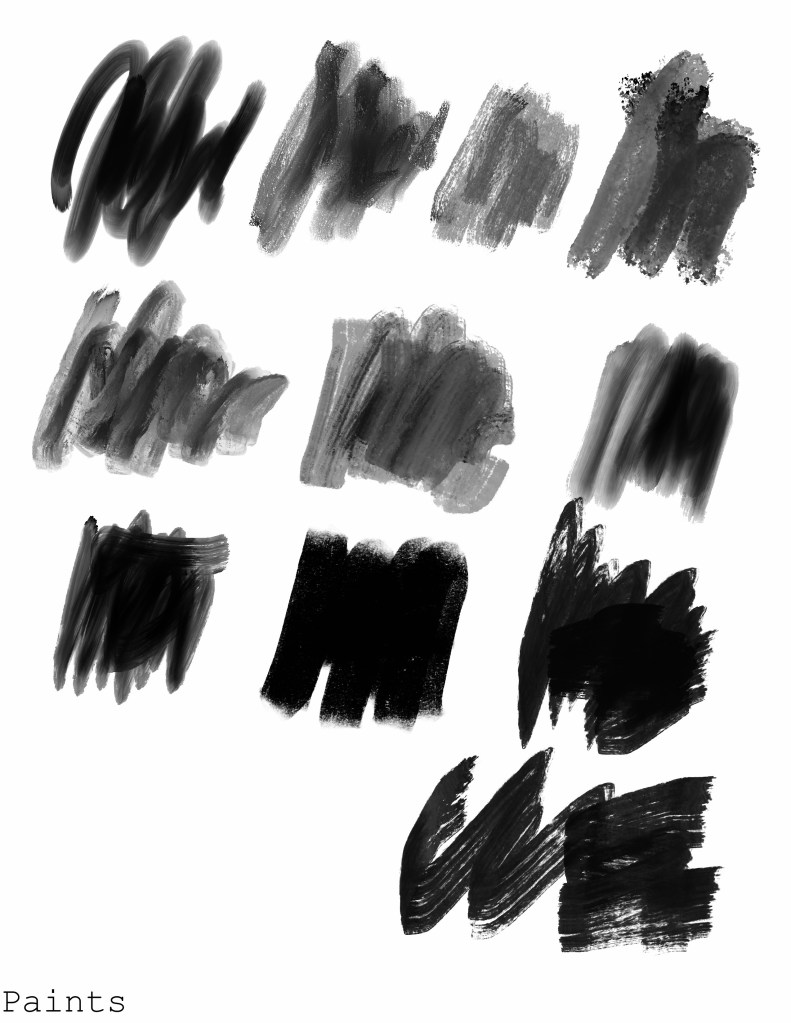
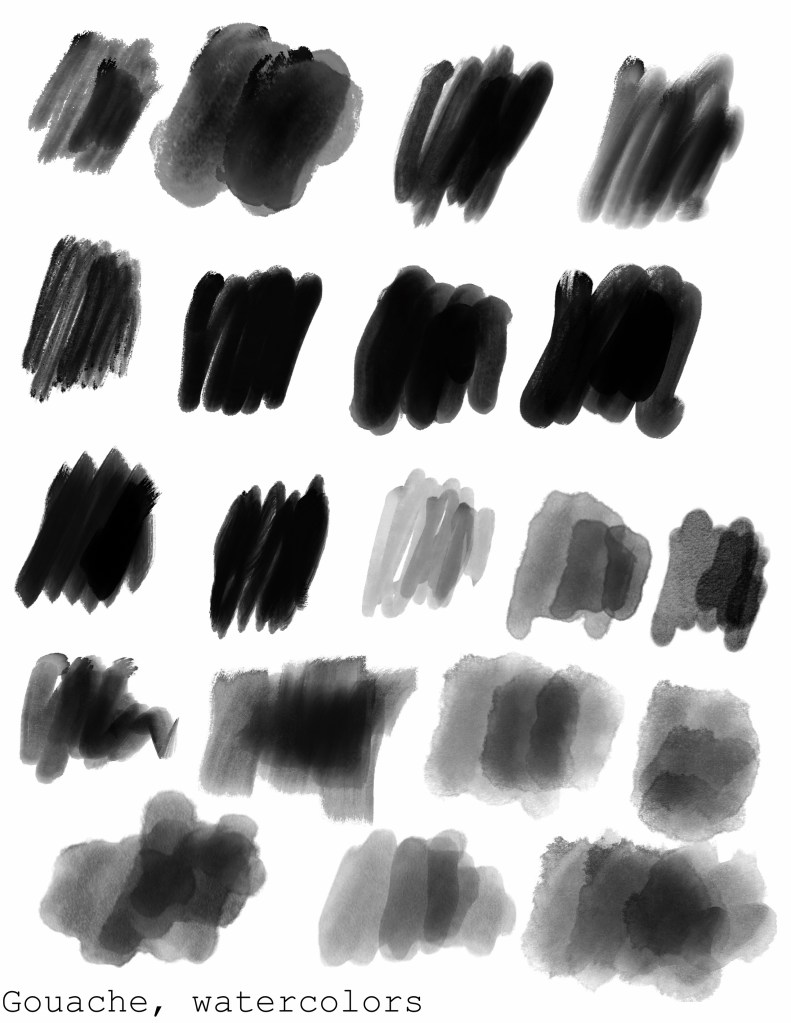
Sample painting
Here’s a quick painting I did with the Juniper brush from the marker set.
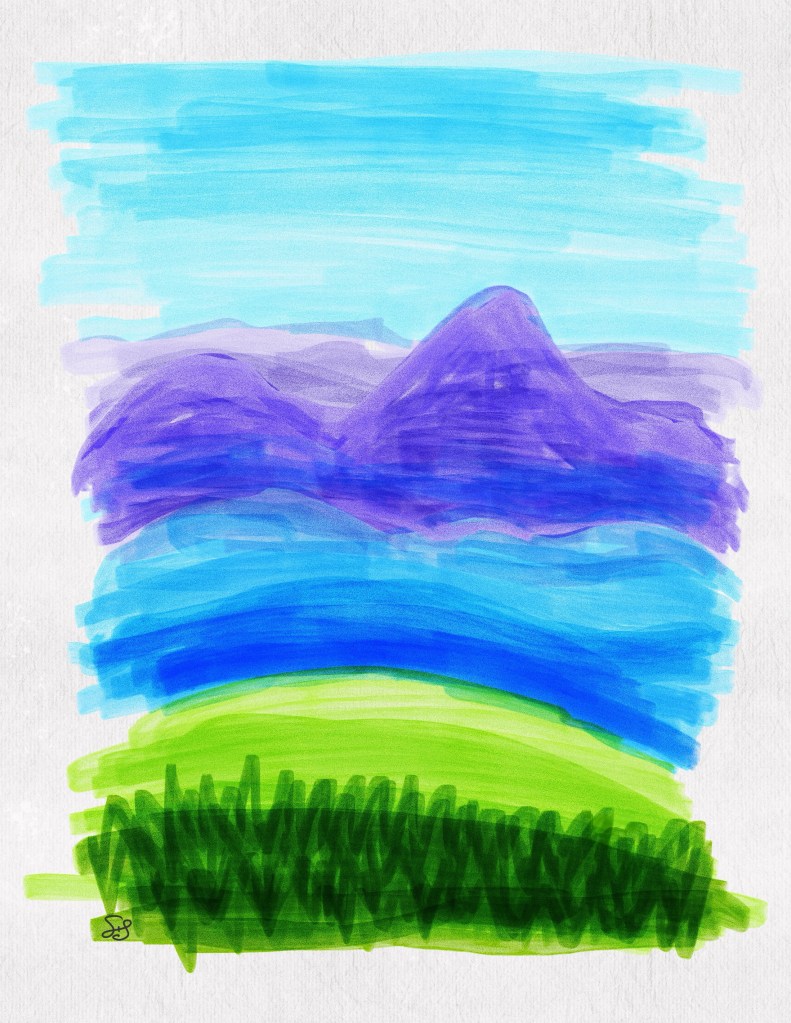
Despite the fact that the bulk of these new brushes are intended to mimic natural media, we didn’t get any new paper texture brushes which seems like a massive oversight. I used Cygnet and Melaleuca from the Textures set in the classic library, as well as adding a noise overlay.
Here is the same painting with just the brushwork, no added texture:
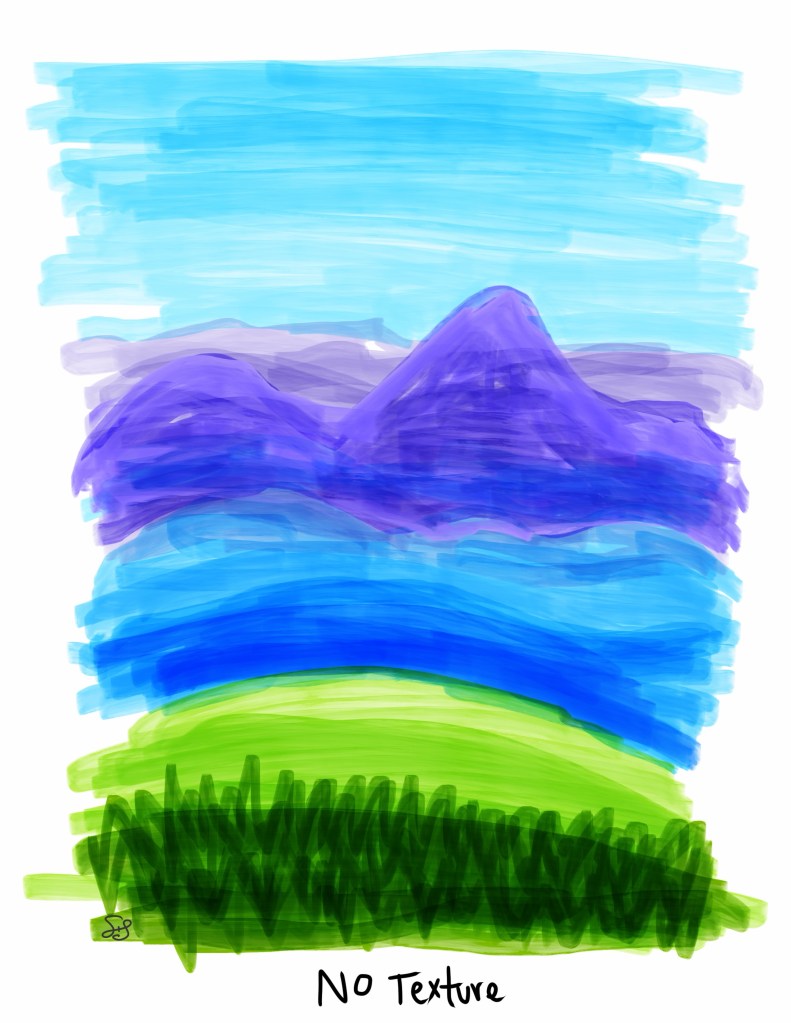
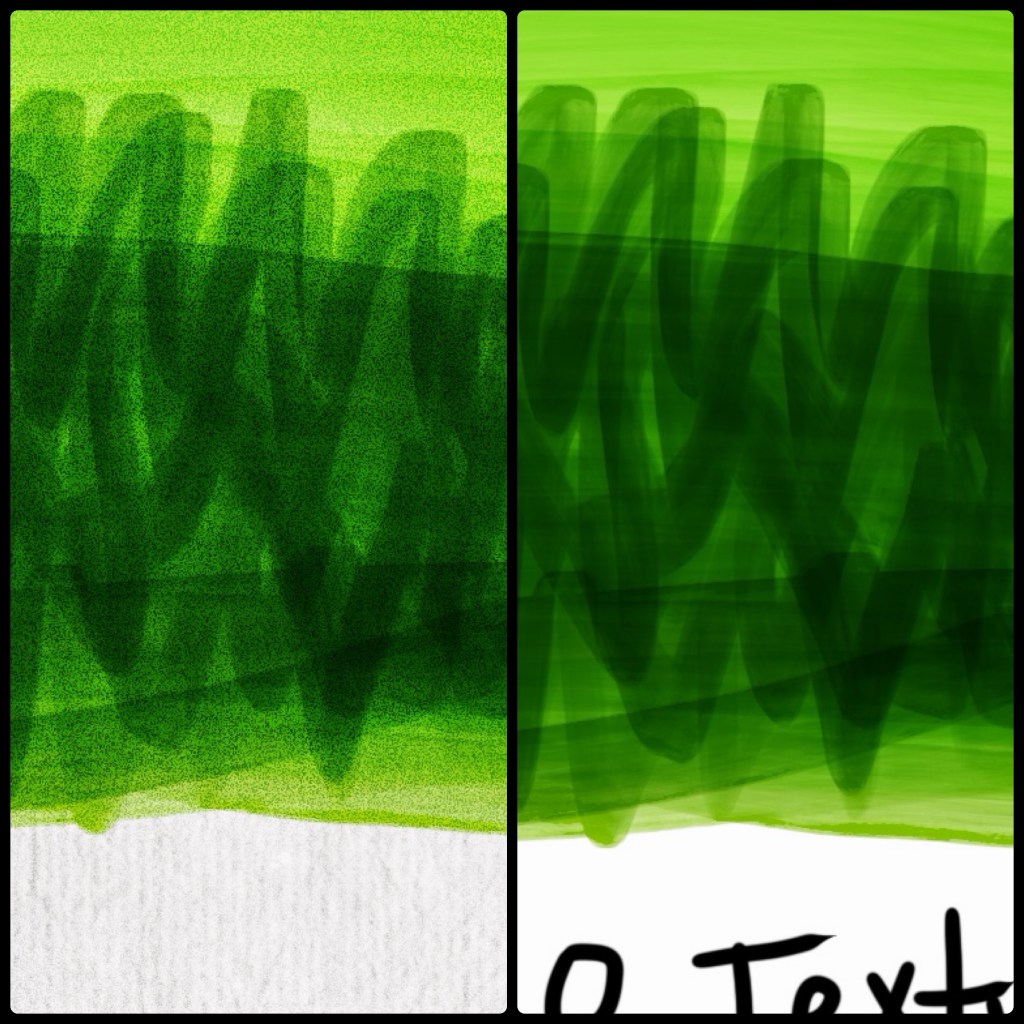
Not a huge difference when not looking closely, so I guess I can maybe understand why they didn’t bother with more paper textures.
Here’s a close up that lets you see the difference better:
Conclusion
To sum it up, the new brush library is a whole lot of flash but not a lot of substance. I’m sure it was a tour de force for Kyle Webster’s portfolio, but for users, it isn’t very practical. I anticipate that most artists will find a handful of brushes that are useful to them while mostly using the classic library, especially artists who favor a more digital style. Users with older hardware will likely find the new brushes too laggy and cumbersome to use with any regularity, if at all.


Leave a Reply