I took the lettering set in the new procreate brush library for a spin. Here’s my thoughts, some sample letters, and a couple fall-theme banners I made with them.
Kettering and Providence are pretty standard angle brushes without any major frills. Kettering has a bit of a wobbly edge at large sizes but is pretty smooth if you keep it small.
Nightingale is a round brush with a partially transparent drop shadow. I have a hard time thinking of applications other than text on a plain white background; I feel it would have been a lot more useful with a solid drop shadow using the secondary color.
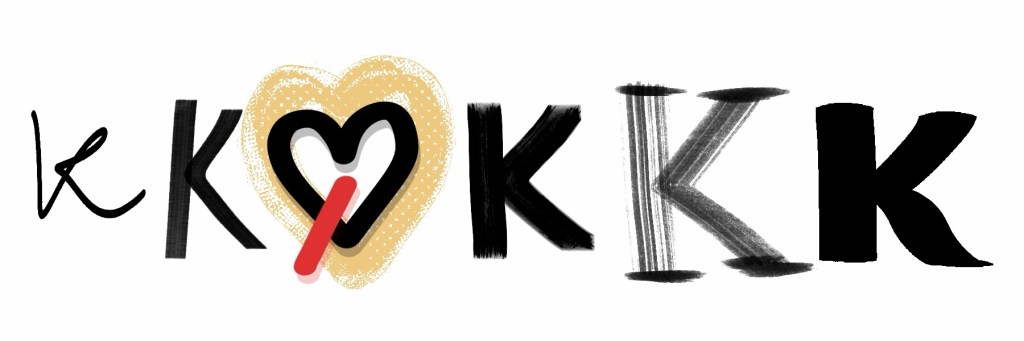
Harlequin mimics a chisel tip brush and has a streaky effect on the end points. I like this one quite a lot.
Phoenix stands out because it uses the secondary color tinted with an indecipherable influence from the primary color. As far as I can tell, this color dynamic isn’t something you can fiddle with in the brush settings. Anyway, the brush has a comic book sort of texture—you can see it around the heart in the sample pic. I see this brush as being most useful to add as an accent to lettering done with another brush. To be honest, this brush feels like it belongs in the comic set, the default streamline and stabilization settings are the only real thing that is suggestive of it being intended for lettering.
Lorikeet and Wide Awake are more chisel-style brushes, similar to Harlequin. Lorikeet has a streaky effect throughout (as opposed to Harlequin’s only at the end points) and isn’t the kind of thing I go for a lot, but I can see it being useful for some people. Wide Awake is a very chunky brush, basically a chunkier version of Harlequin with smooth, slightly curved end points. I like it quite a bit, but I will say the default streamline setting is so high that the brush feels a little draggy.
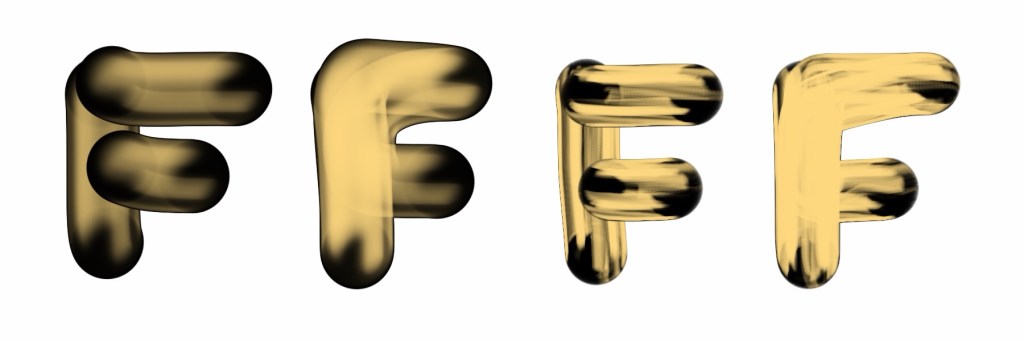
Buttercup and Waverley are brushes with some sort of 3D effect being the goal. My best guess is balloon letters. For letters created with multiple strokes, the effect is vastly different depending on whether you lift the brush between strokes. If the stroke goes over the same area without lifting, there is a blending effect that can look a bit messy in my opinion.
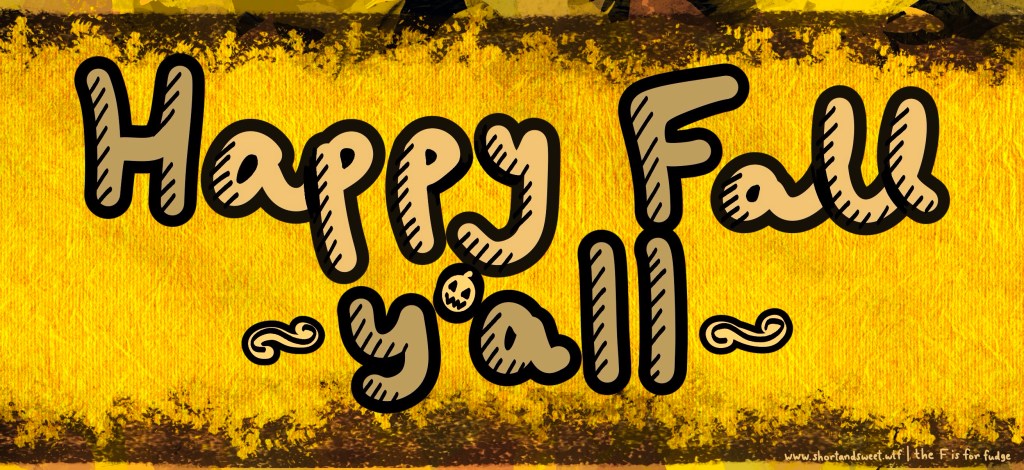
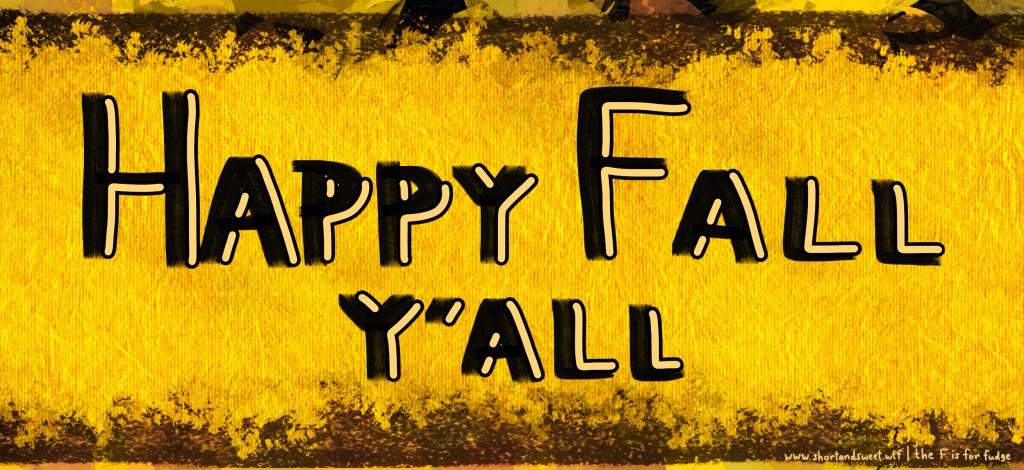
Last but not least, Ruby Rose is a round brush that creates its own outline, very handy. The outline uses the primary color and the fill uses the secondary color. I favor outlined lettering, so I can see myself using this brush a lot. Here are a couple examples:
As a follow-up footnote to my post on workarounds for laggy sidebars, playing around with the lettering set really highlighted the need to use as few layers as possible when you are using the new brush library. In that post, I said to aim for ten layers or fewer, with five being ideal—when using the new brush library, I would advise that you really need to stick as close to five layers as you can. I got up to eleven layers when I was playing around with this set, and the whole app (not just the sidebars) started to get super laggy. Just something to keep in mind for your workflow!


Leave a Reply